
How to update address on Google my Business account
Saumya Bhalerao


This is the standard process to change your business address on Google, first sign into your Google Business Profile
https://business.google.com/
Select "Edit profile," then "Location." Update the address and adjust the map pin if needed, then save. Changes typically take 10 minutes to 3 days, and verification may be required for the new location.
Steps to Change Business Address on Google
1. Access Profile: Sign in to your Google account and go to your Business Profile by searching for your business name or via business.google.com.
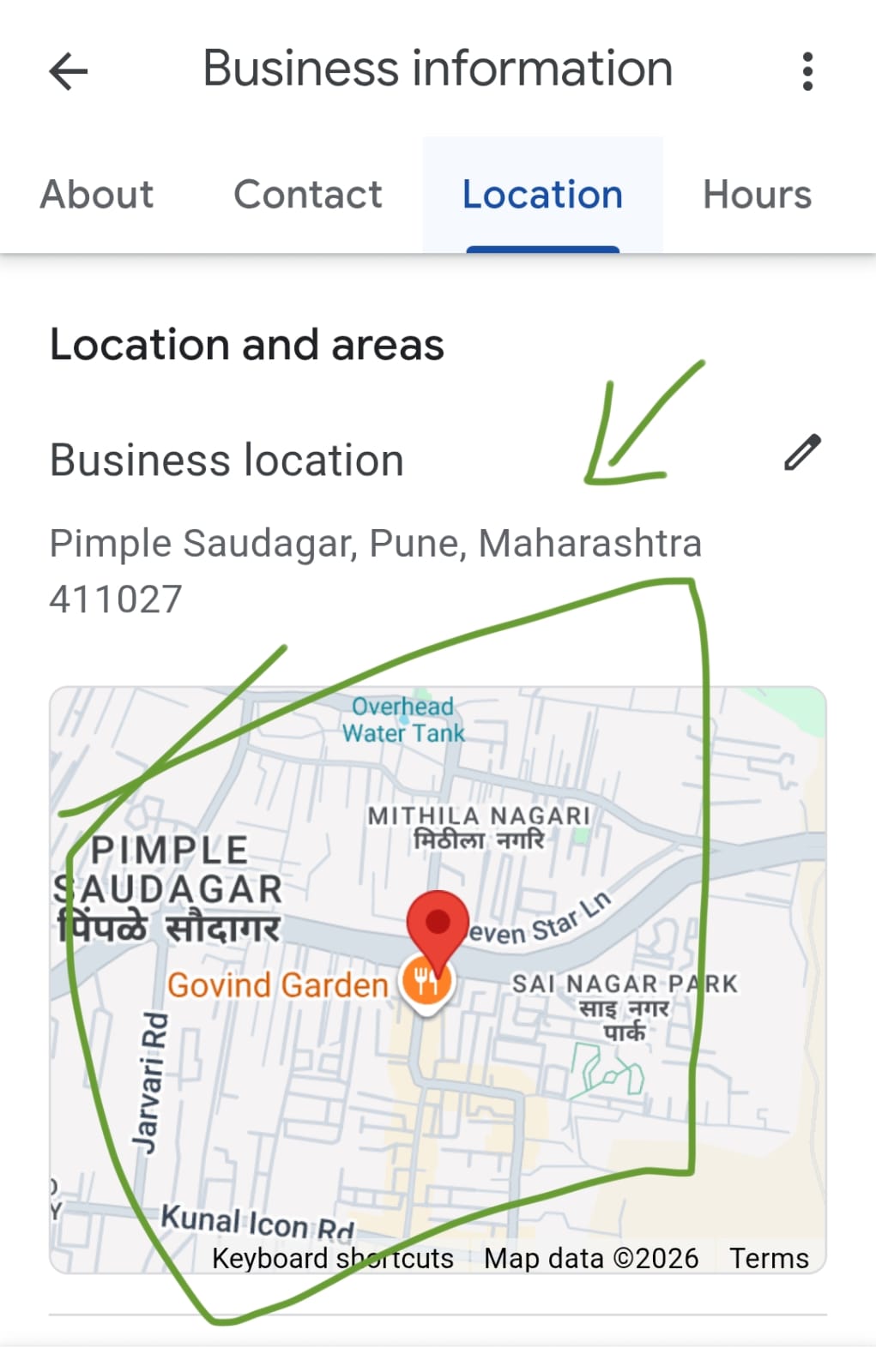
2. Edit Location: Select Edit profile > Location.
3. Update Details: Click the edit icon next to "Business location" to enter the new address details (street, city, state, zip code).
4. Adjust Map Pin: If necessary, select "Adjust" to drag the map pin to the precise location.
5. Save Changes: Click "Save".
Important Information
• Verification: Google may require you to re-verify your business, often via a postcard sent to the new address.
• Approval Time: Updates may take up to 30 days to appear, though it is usually much faster (10-30 minutes).
• Service Areas: If you work from home or do not have a physical storefront, turn off the address visibility and add service areas instead.
• Consistency: Update the address on your website, social media, and other listings before updating Google to aid verification.
• Do Not Delete: Do not delete your listing, or you will lose your reviews and ranking
The above steps are as recommended by Google. However, we have a very simple way to help you update your Google my business account with new address.
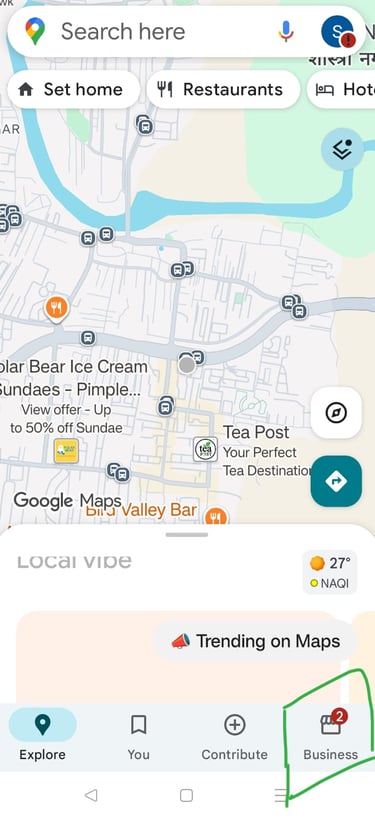
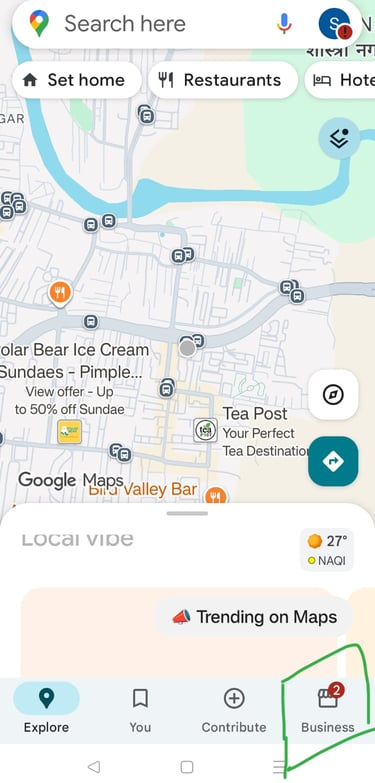
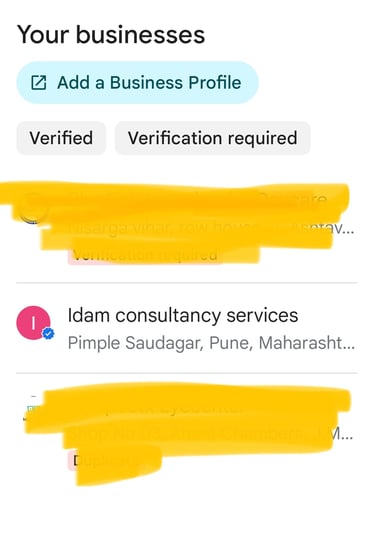
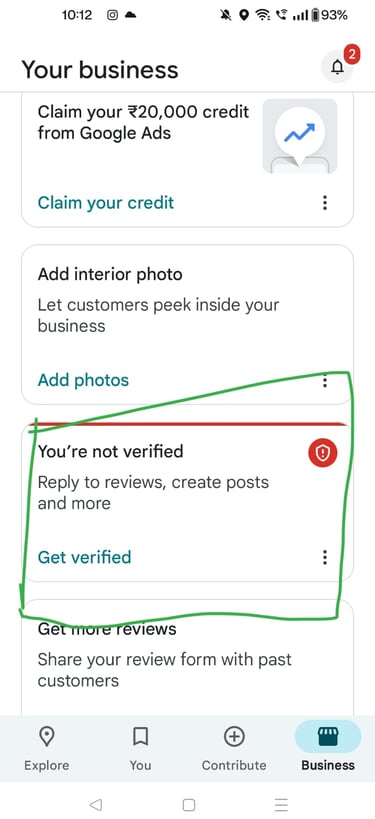
Open Google maps, in the maps, ensure you have your Google log in and then select on business.
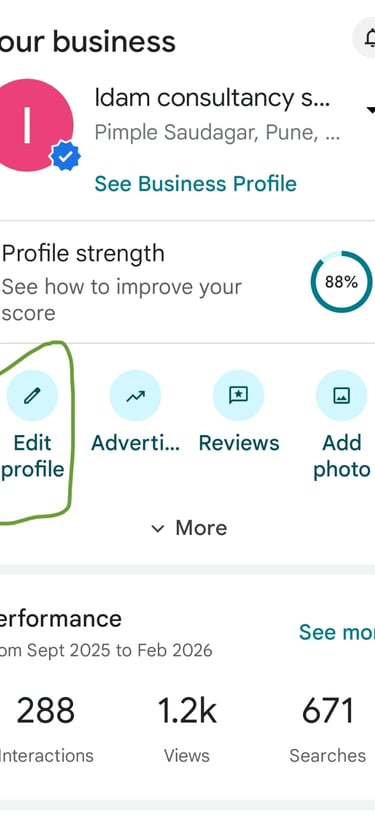
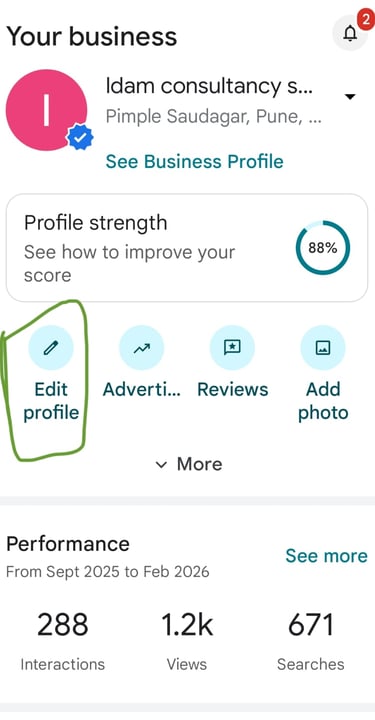
Select the business which you want to update
Go to edit profile
Update the address to new address and adjust the pin
Click on save
You may be required to re verify the account
Click on verification
Turn on your camera and start shooting, start by showing the street and your business sign board, don't turn your camera off, in the same video, move inside the premises and show your operations. And then upload the video.
If you shoot a detailed video and upload, usually in 3-5 business days the verification is complete.
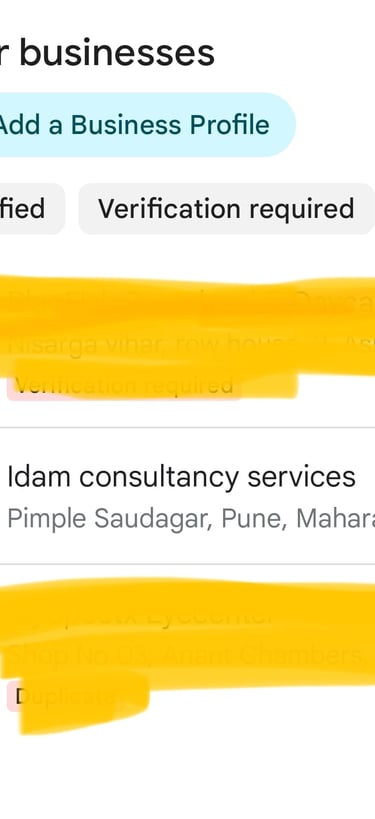
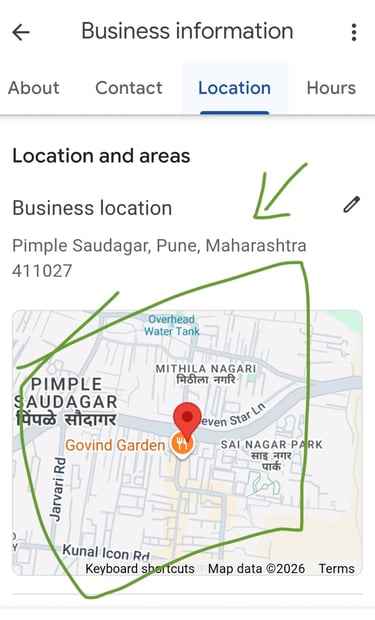
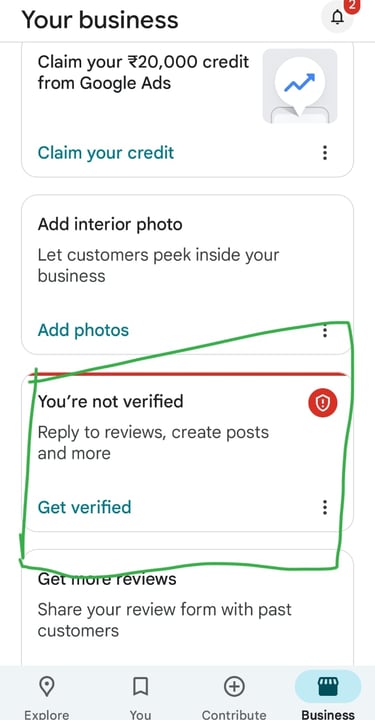
Below are the screenshots of these steps.
If you want IDAM team to help you manage your Google My Business profile, here are our standard packages, we would be happy to make a customized package for you to suit your requirements.